
Games often draw fewer pixels than your Mac’s display has, and upscaling enlarges their image to fill it. A pixel-art game might render at 320×180, an older 3D game at 720p, and a demanding one at whatever resolution keeps it running smoothly. On a Retina screen, the method chosen for that enlargement changes the result considerably.
An Upscale row in the effect chain does the enlarging. By default it fills the window or the fullscreen surface; it can also use a fixed size or a multiple of its input. The samples below enlarge two very different images 4× with each method, cropped so individual pixels are visible: a frame of Celeste, which draws its pixel art at 320×180, and a frame of Ciri from The Witcher 3: Wild Hunt, reduced to 480×270. Choose a game, then a method; the method stays selected when you switch games.
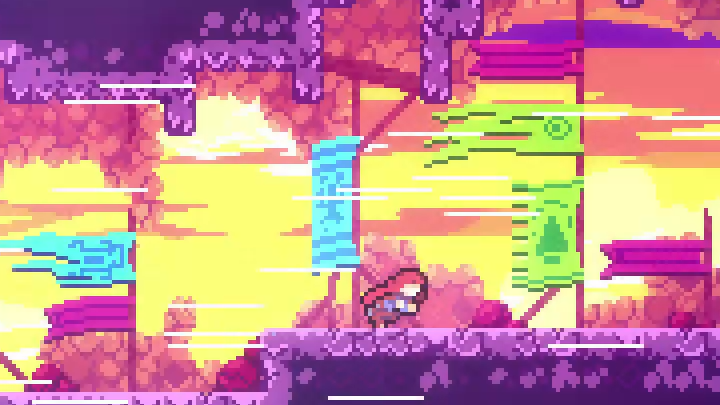
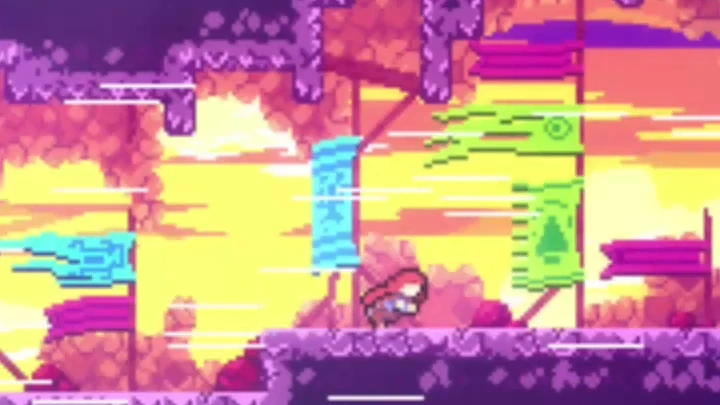
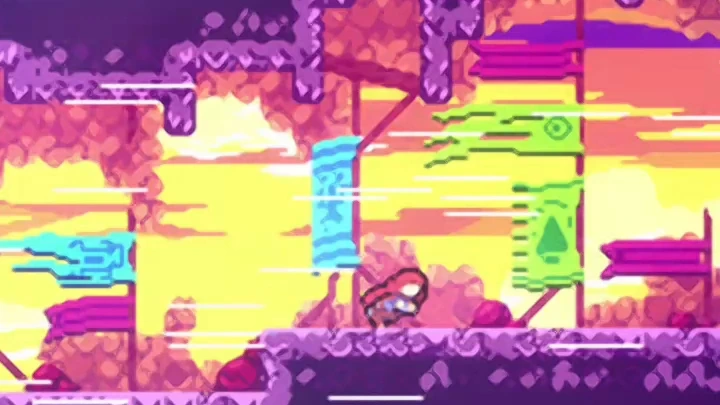
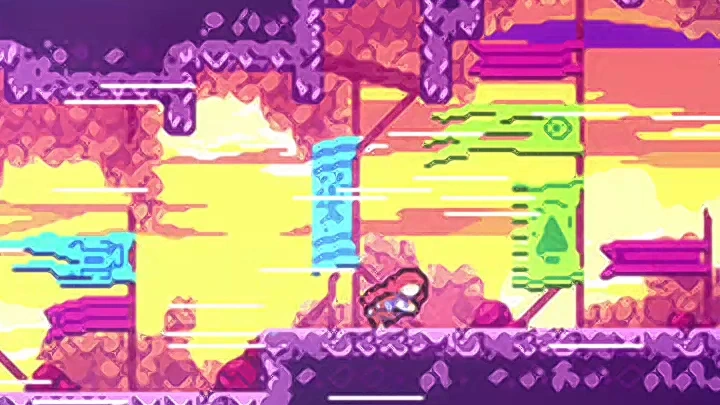
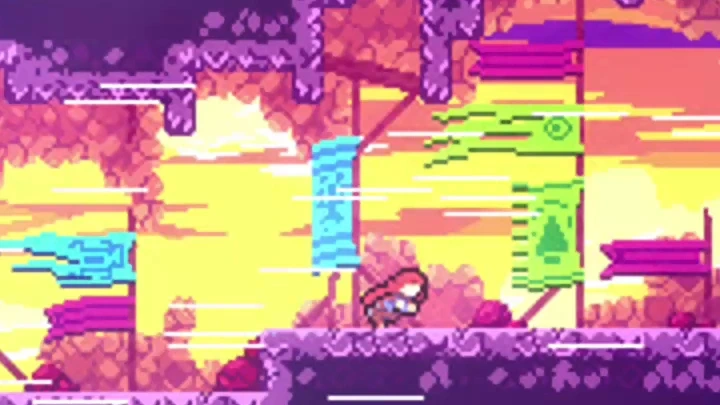
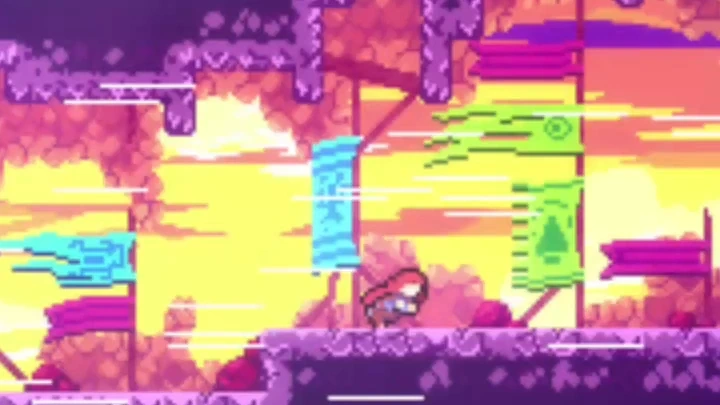
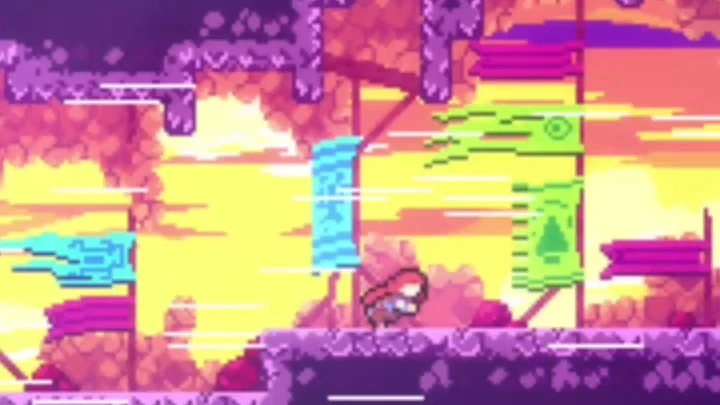
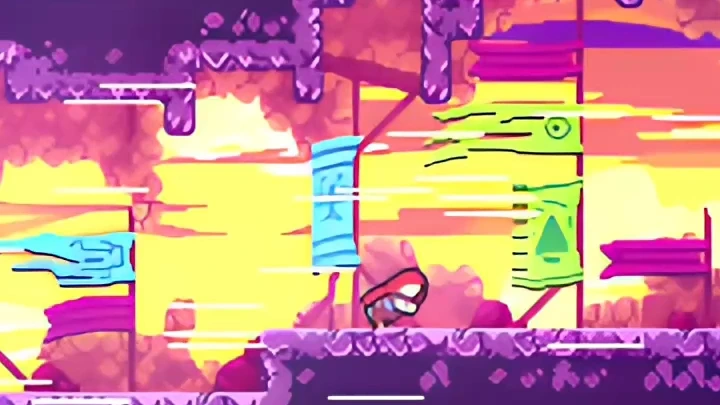
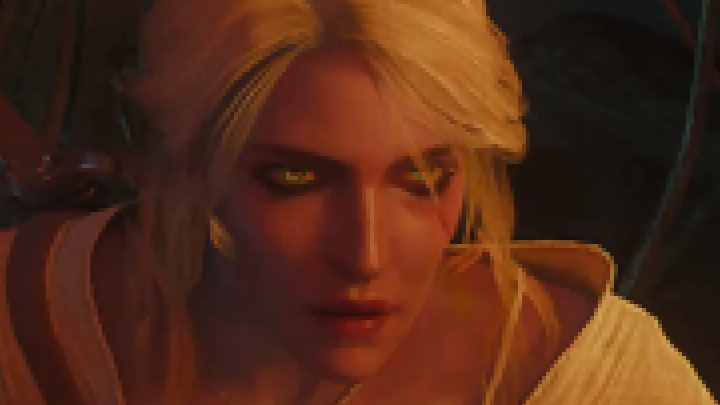
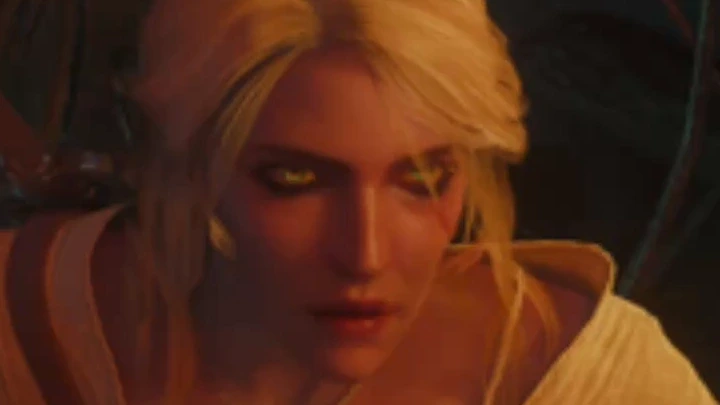
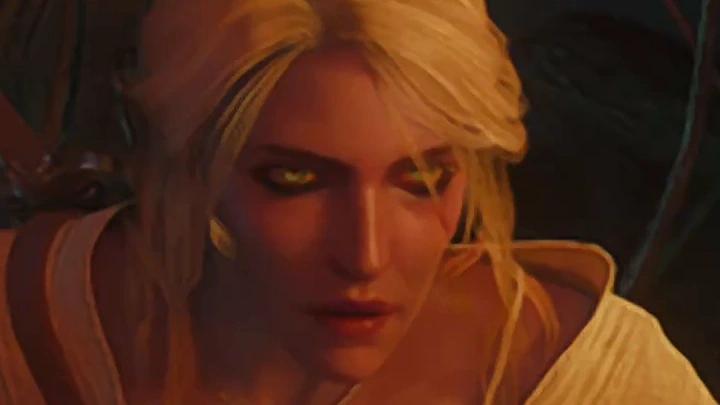
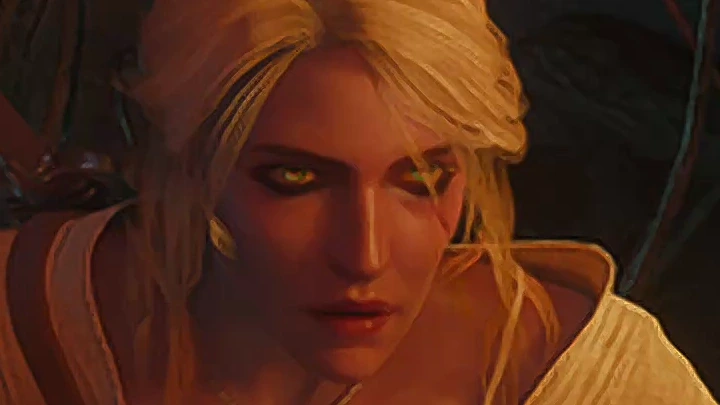
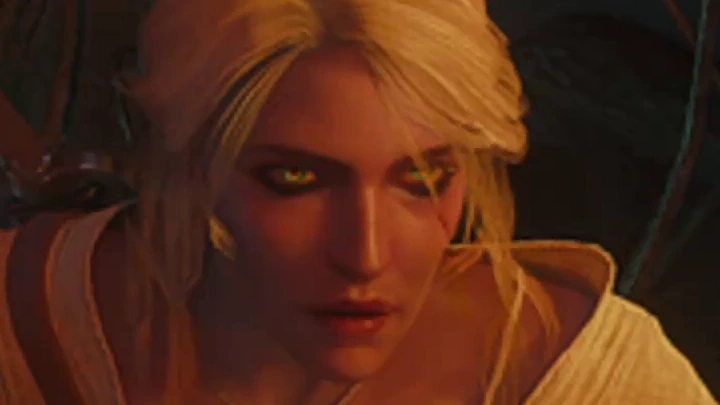
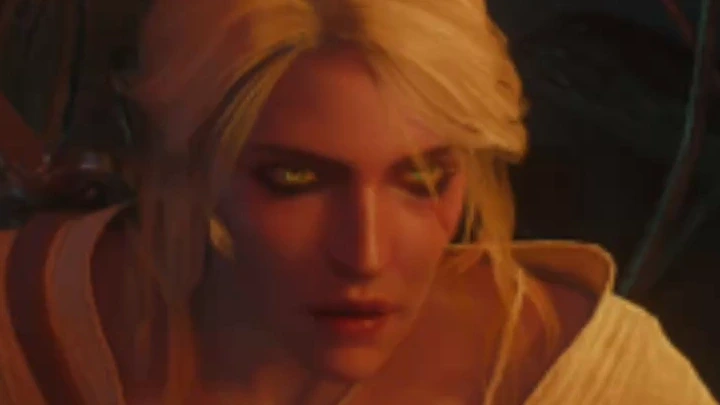
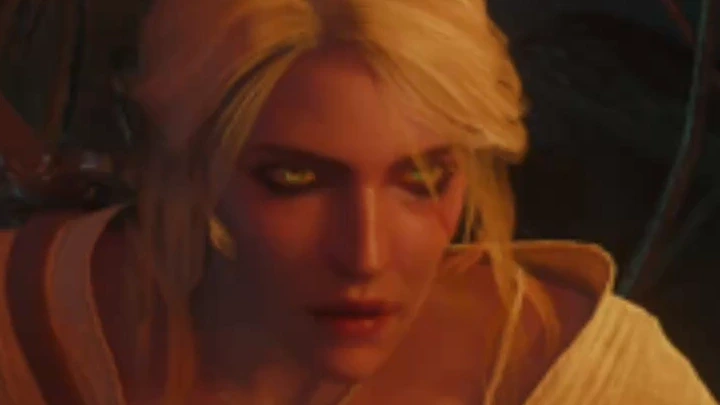
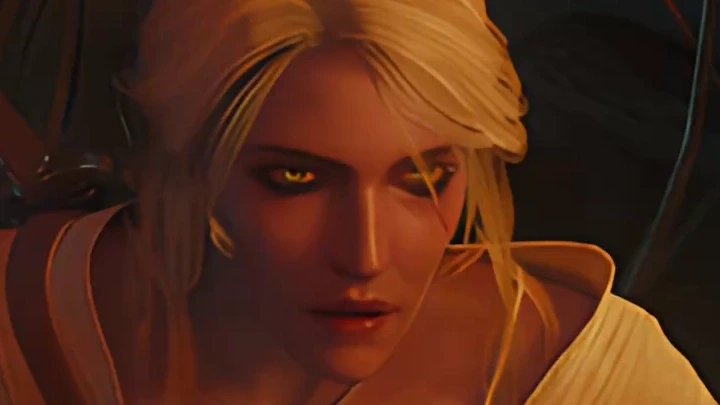
No method is best for everything. Pixel art usually looks right with Nearest, ideally at a whole-number scale so every pixel stays the same size. Smooth, detailed images such as 3D games, painted visual novel backgrounds and video benefit from a reconstruction filter instead:
Spatial upscalers
Section titled “Spatial upscalers”These use a single finished image, so they work with every game.
- Nearest, Bilinear and Bicubic are the classic filters. Nearest copies pixels, bilinear blends neighboring pixels, and bicubic blends a wider neighborhood for a little more sharpness.
- libplacebo filters add the kernels used by video players, such as Lanczos, EWA Lanczos, Spline36, Mitchell and Catmull-Rom. Their macOS requirement comes from the selected graphics package; the requirements reference lists it.
- MetalFX Spatial is Apple’s upscaler, built into macOS 13 and later and available on Macs whose GPU supports it.
- AMD FSR 1 is AMD’s edge-adaptive upscaler with its RCAS sharpening pass, ported to Metal. Its Sharpness control runs from 0 to 1.
- MAKO spatial scaling is another reconstruction filter, with sharpening built in.
- Lossless Scaling LS1 is the upscaler from Lossless Scaling. It uses the model files from your own purchased copy, which Runtimes → Graphics → Upscaling can import or download through Steam. Getting Lossless Scaling files describes the options.
Shader upscalers
Section titled “Shader upscalers”Shader collections add many upscalers written for video players and emulators, and most of them are tuned for one kind of image:
- Anime4K, ArtCNN, CuNNy and ACNet/ARNet are made for anime and line art. They are small neural networks that run as ordinary GPU shaders, and they often suit visual novels well.
- FSRCNNX, RAVU and NNEDI3 are made for general video, as is the included SSimSuperRes pass, which refines an upscaled image against its lower-resolution source.
- xBRZ, SABR and the other pixel-art scalers in the libretro Slang collection smooth diagonal edges while keeping the hand-drawn look of pixel art.
A shader that always doubles its input appears as an Upscale with its 2× scale, and a later resize row can fit the result to the window. Shader collections and imports covers installing collections, and Neural upscaling and restoration covers the heavier model-based upscalers.
Temporal upscalers
Section titled “Temporal upscalers”A spatial upscaler has one image to work from, while a temporal upscaler gathers detail across several frames. The game renders each frame with a tiny sub-pixel offset called jitter, and the upscaler uses the game’s depth buffer and motion vectors to line those frames up and rebuild a sharper picture. Modern games use this technique to render a fraction of the pixels and still look sharp.
MacLauncher includes these temporal upscalers:
- MetalFX Temporal, plus its denoised variant on macOS 26 or later
- AMD FSR 2.2, FSR 3.1 and FSR 4.1; FSR 4.1 has Exact Fast, Lite and Lite 2 profiles and needs Apple Silicon with macOS 15 or later
- Arm ASR and Snapdragon GSR 2
- Intel XeSS, which runs through D3DMetal or KosmicKrisp on Apple Silicon
- DLSS SR for scenes, through MLX-DLSS
All of them need depth, motion and camera data from the game itself, which a finished picture cannot supply. They run only in games whose runtime passes that data to MacLauncher; for other games, the spatial and neural upscalers are the options.
Render size versus window size
Section titled “Render size versus window size”Upscaling pairs well with rendering fewer pixels in the first place. Two separate controls reduce the size.
Game resolution asks the game itself to render at a smaller size, which saves the game real work. When the game’s renderer can’t change its size, MacLauncher uses a virtual window if one is available, and otherwise shrinks the finished image before the effects run. That fallback saves work in the effects but not in the game’s own rendering.
A Downsample row shrinks an image that has already been rendered. The game doesn’t get faster, but every effect after the row has fewer pixels to process, which matters most for neural models.
In both cases the window keeps its size, and only the processing resolution changes. Building a chain has more on sizes. The graphics guide’s size section describes every size option, and the algorithm reference lists the requirements of each spatial and temporal upscaler.
Further reading
Section titled “Further reading”- Image scaling and pixel-art scaling algorithms on Wikipedia, with side-by-side examples of the classic filters and pixel-art scalers.
- AMD’s FSR 2 overview, a readable introduction to how temporal upscalers use jitter, depth and motion vectors.