
Neural upscaling and restoration
Neural upscaling and restoration use trained models, running on a Mac’s GPU, to enlarge or repair a game’s image. Ordinary upscalers fill in new pixels by fixed rules. A neural model, by contrast, is trained on many images and learns what images tend to look like, such as how a line in an anime drawing continues, what grass looks like up close, or which fine patterns are noise rather than detail. Given a small or damaged image, the model redraws it from what it learned.
MacLauncher runs these models on your Mac’s GPU through MLX and Metal, inside the same graphics chain as every other effect. They need an Apple Silicon Mac with macOS 14 or later. Intel games running translated under Rosetta or CrossOver can use them as well, because a small Apple Silicon helper runs the model on their behalf.
Upscaling drawn art
Section titled “Upscaling drawn art”Neural upscalers do especially well on visual novels and anime-style games. This scene from CLANNAD was reduced to 640×480 and then doubled:


The lighter shader upscalers from the shader collections aim at the same kind of image and cost far less:


At 4× the differences grow. This is the same scene, starting from only 320×240:



Upscaling everything else
Section titled “Upscaling everything else”Real-ESRGAN’s General model handles 3D games and other rendered or photographic images rather than line art:
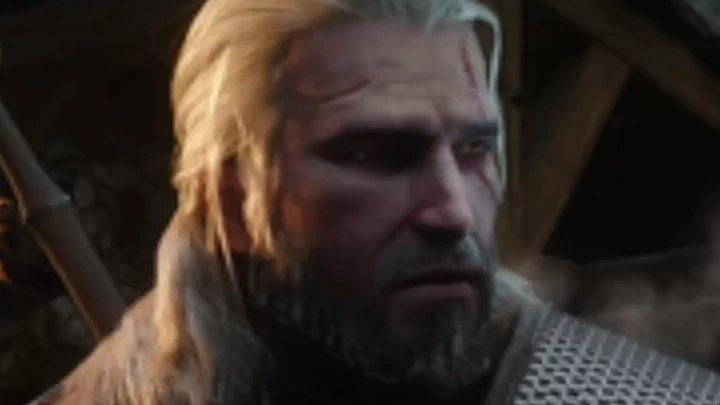
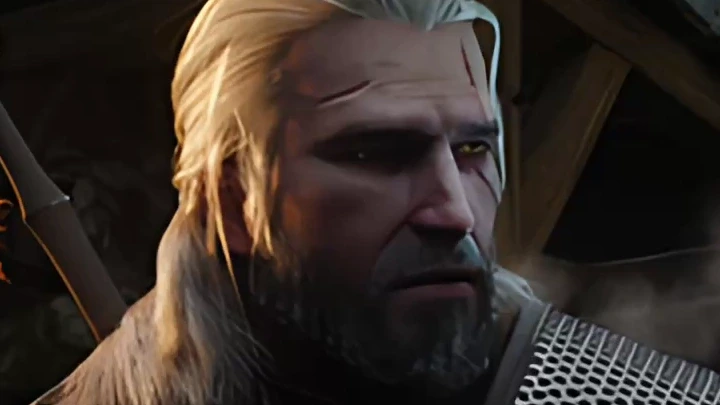
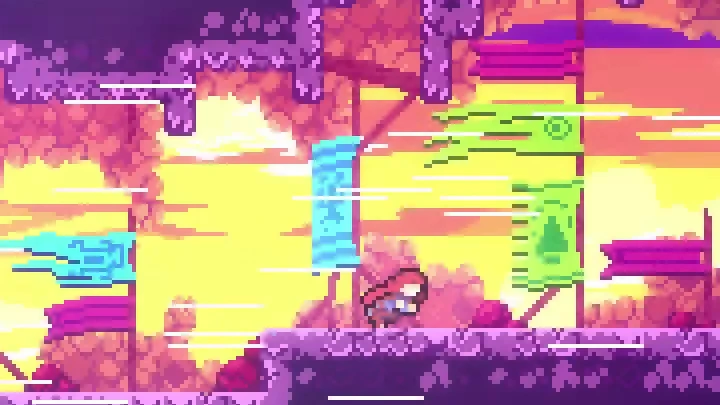
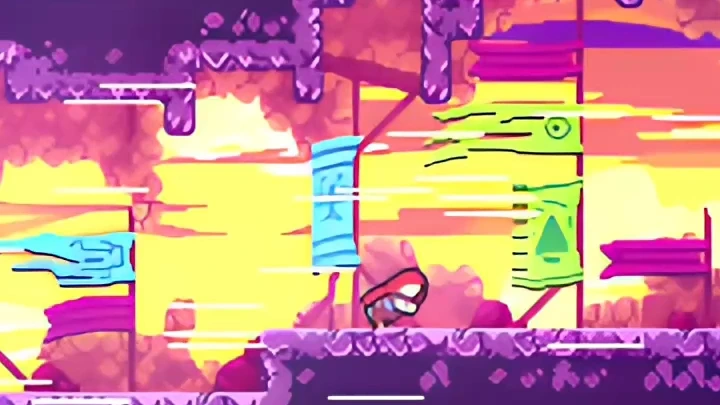
On pixel art, the same model behaves very differently. It treats the pixels as detail to smooth over and redraws the scene with soft, outlined shapes, which is why pixel-art games usually stay with Nearest or a pixel-art scaler:
Cleaning up an image
Section titled “Cleaning up an image”Not every model changes the size. NAFNet restores an image at its original resolution, with one model for noise and another for blur:
The models
Section titled “The models”| Model | What it does | Output size |
|---|---|---|
| Real-ESRGAN | Anime and General upscalers. General has a paired denoising model, and when both are installed, the Denoising control blends between them. | 4× |
| Real-CUGAN | Upscaler trained on anime, in Conservative, No denoising and Denoise variants. | 2×, 3× or 4× |
| RTX Video Super Resolution | NVIDIA’s video upscaler, through MLX-DLSS. | 2× |
| DLSS neural rendering | The DLSS 5 neural rendering model through MLX-DLSS. It redraws the image toward a photoreal look, blended in with Intensity, and can keep image history with Temporal reconstruction. | Same size |
| DLSS SR (image) | DLSS super resolution working from a sequence of finished images. | 2× |
| NAFNet | SIDD (denoising) and GoPro (deblurring) restoration models. | Same size |
MacLauncher’s other neural models are RIFE and MLX interpolation for frame generation, and Depth Anything V2, which estimates depth from a flat image for the estimated depth fog effect.
Real-ESRGAN and NAFNet build on the existing Real-ESRGAN MLX and NAFNet MLX ports; Real-CUGAN runs its original models on MLX.
Getting models
Section titled “Getting models”MacLauncher doesn’t include model files. Runtimes → Graphics → Neural models lists the supported downloads: Install downloads one, and Import model… adds a model you already have. Installed models work offline and are shared by every game.
Each neural row in the chain has a Model menu. Automatic chooses an installed model for that row’s operation, starting with the default you set for the operation in Neural models. You can also pick a specific model for one row. If a row’s model is missing, the row shows Model needed and the rest of the chain keeps running.
Keeping it fast
Section titled “Keeping it fast”A neural model’s cost grows with the number of pixels it processes, so the usual approach is to give it a smaller image. Put a Downsample row before the model, or lower the Game resolution, and fill the window afterward with a fast upscaler such as MetalFX. Building a chain shows a complete example. If the model still can’t keep up with the game, frame generation can fill in the missing frames.
The graphics guide’s neural models section lists every download and setting, and Neural models and packages describes the model architectures and import formats.
Further reading
Section titled “Further reading”- Super-resolution imaging on Wikipedia, for the broader field these models come from.
- The Real-ESRGAN, Real-CUGAN and NAFNet project pages, each with its own comparisons and papers.