
Color, light and sharpening
The color, sharpening, lighting and anti-aliasing effects on this page change how a game looks on your Mac without changing its resolution. Many games look better with slightly stronger color or crisper edges, and some of these effects give a game a different mood altogether. They work on the finished image, so they’re available for every game, and most are cheap enough to leave on all the time.
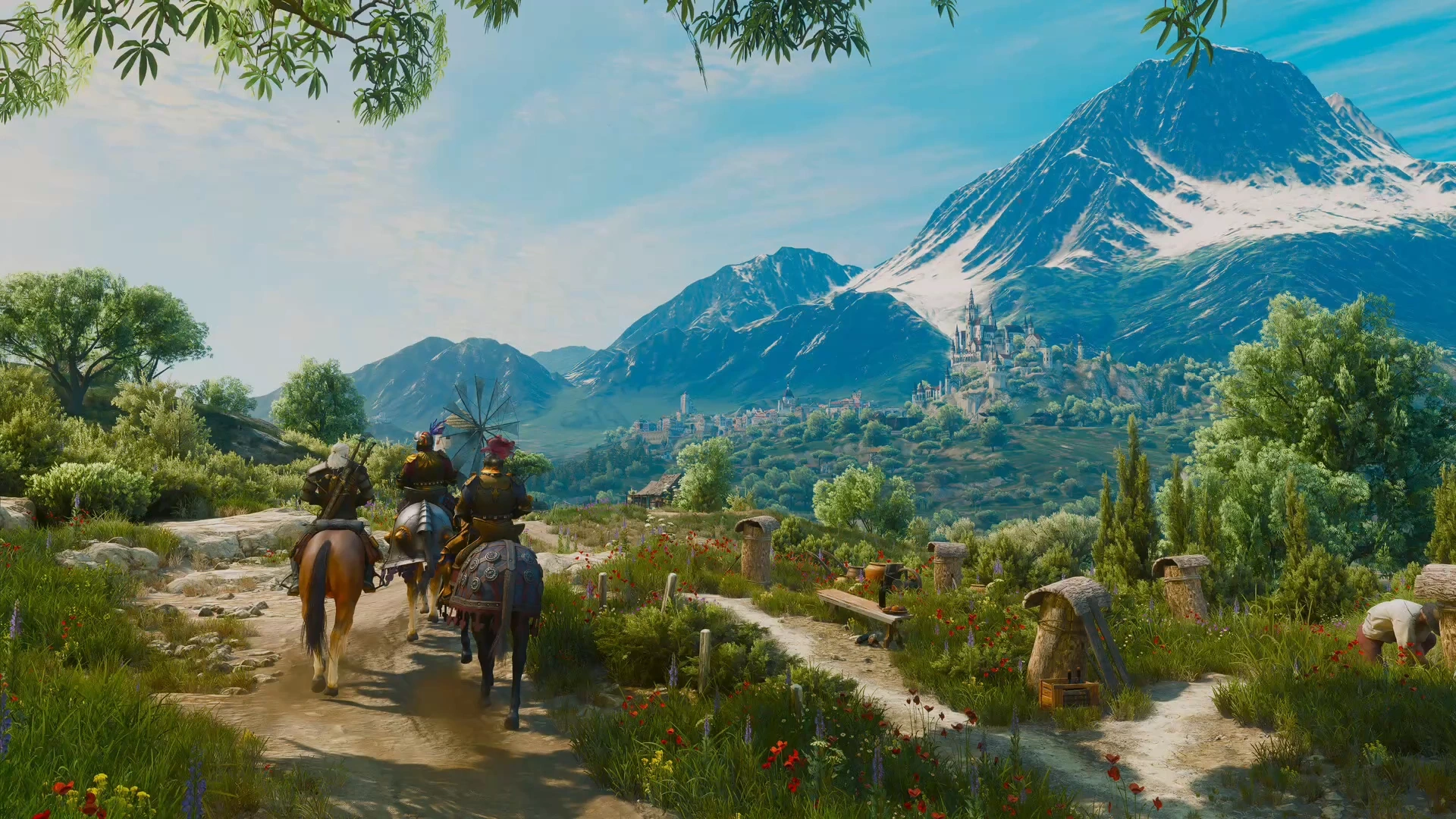
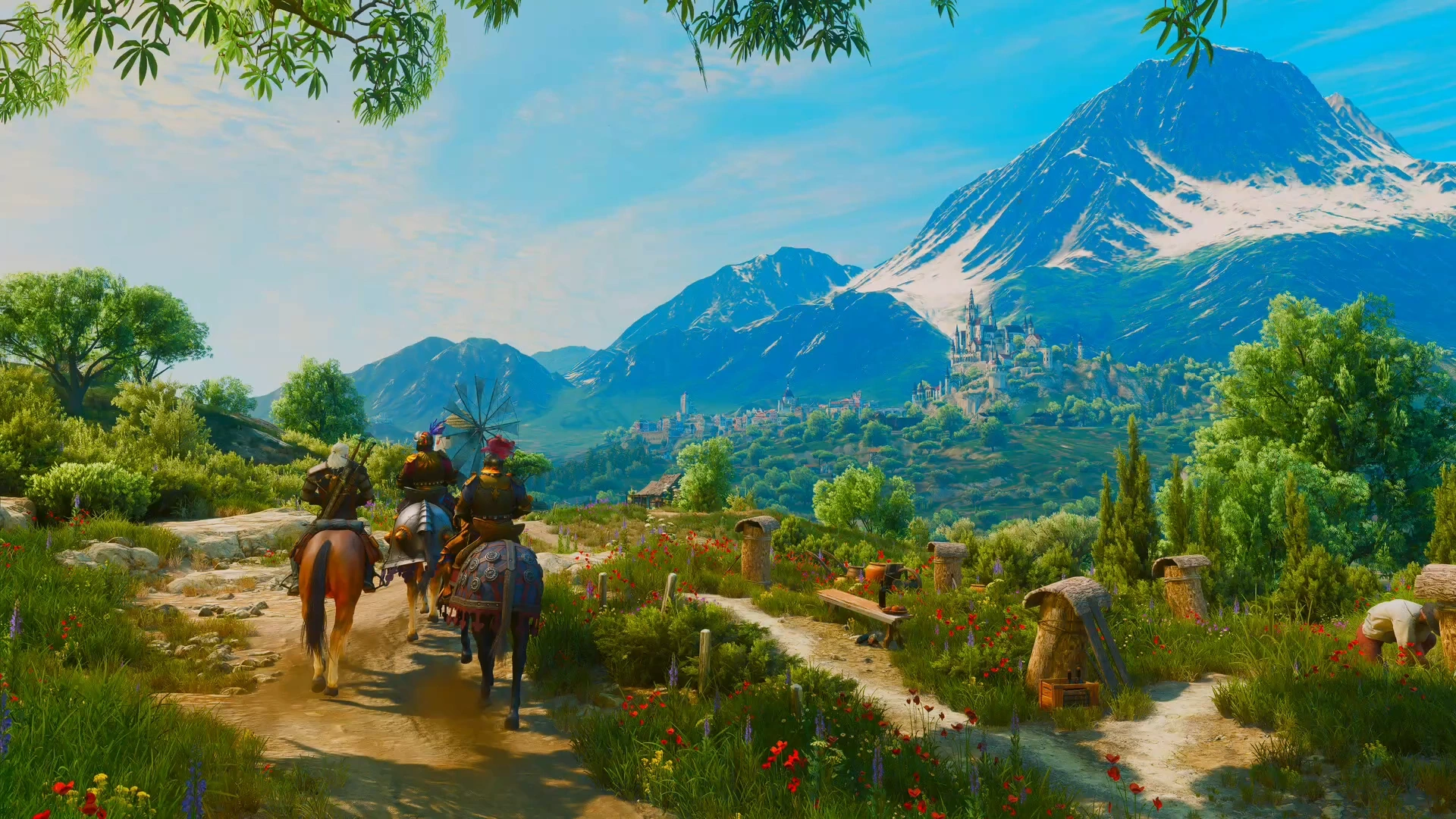
The built-in effects
Section titled “The built-in effects”Five effects are part of MacLauncher itself:
- Colour adjusts saturation. Its default of 1.2 is a little above neutral; 1 leaves color unchanged.
- Sharpen is classic sharpening. CAS Sharpen is AMD’s Contrast Adaptive Sharpening, which sharpens soft areas more than areas that are already crisp, and it works well as a finishing pass after an upscaler.
- Grayscale removes all color.
- CRT simulates a CRT screen and is covered in CRT and retro.
Combine effects… runs two to four of these as a single row.
Other included effects
Section titled “Other included effects”The other included effects come from widely used ReShade and video-processing projects, and from native Metal ports of graphics research:
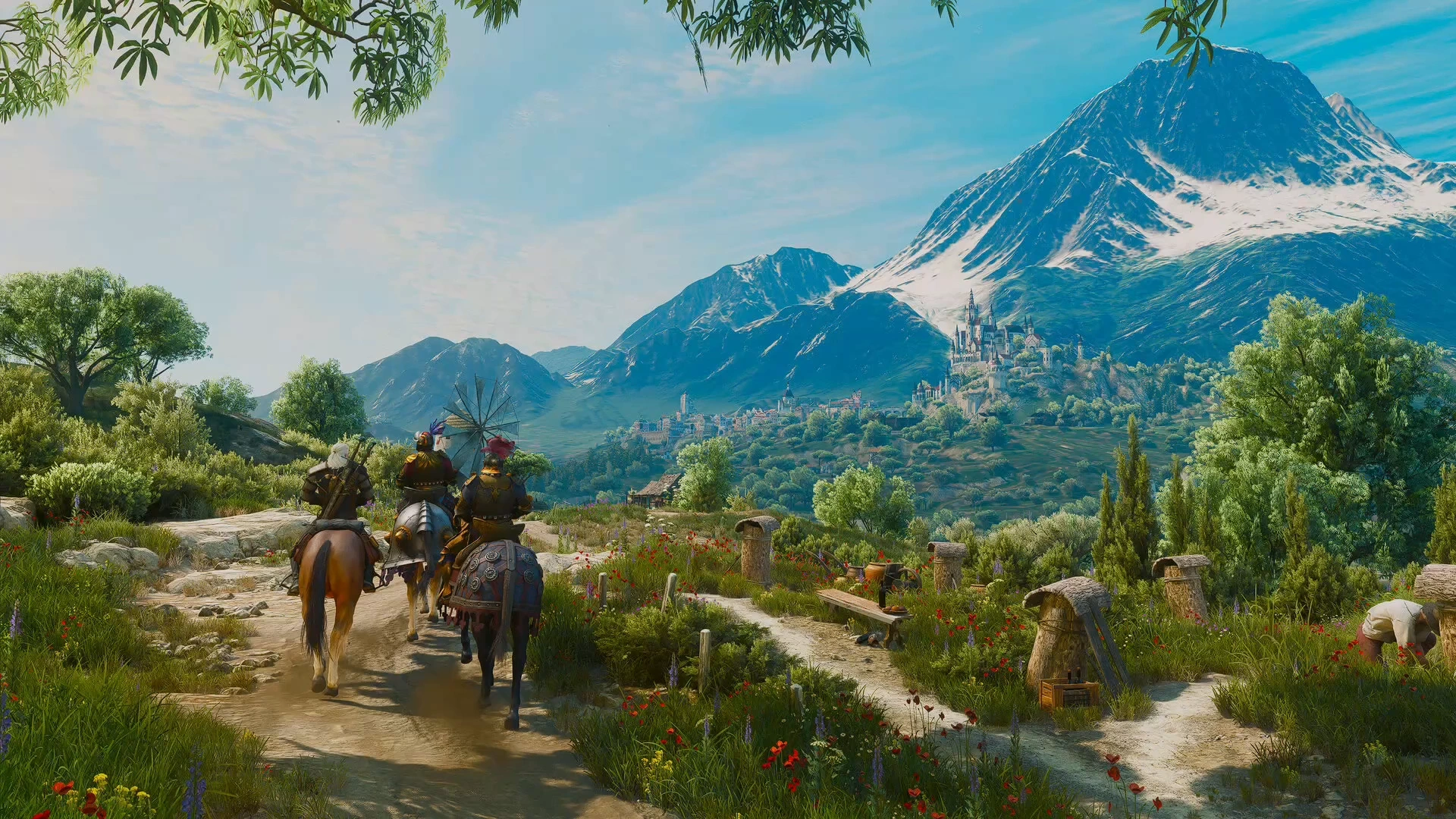
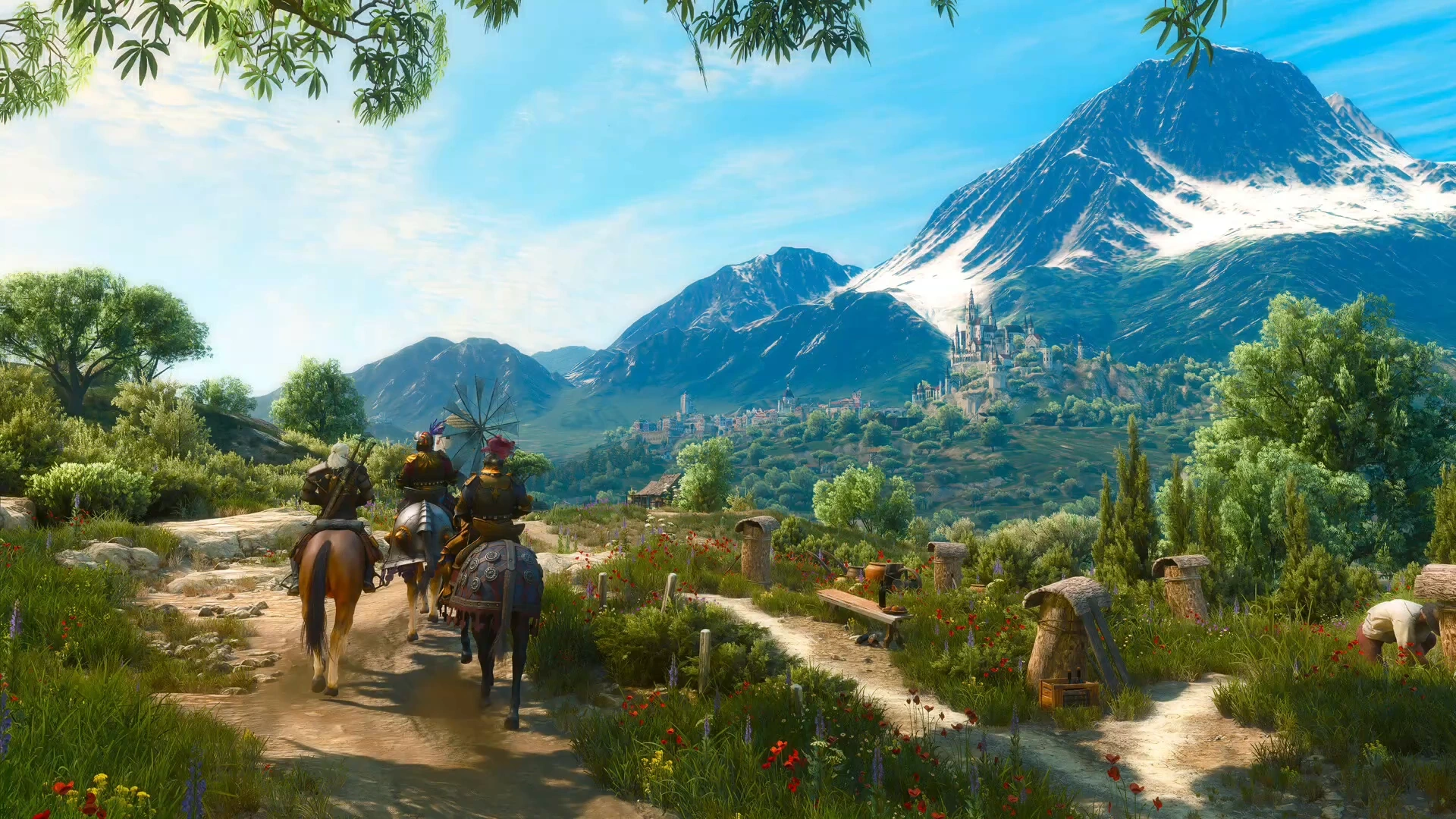
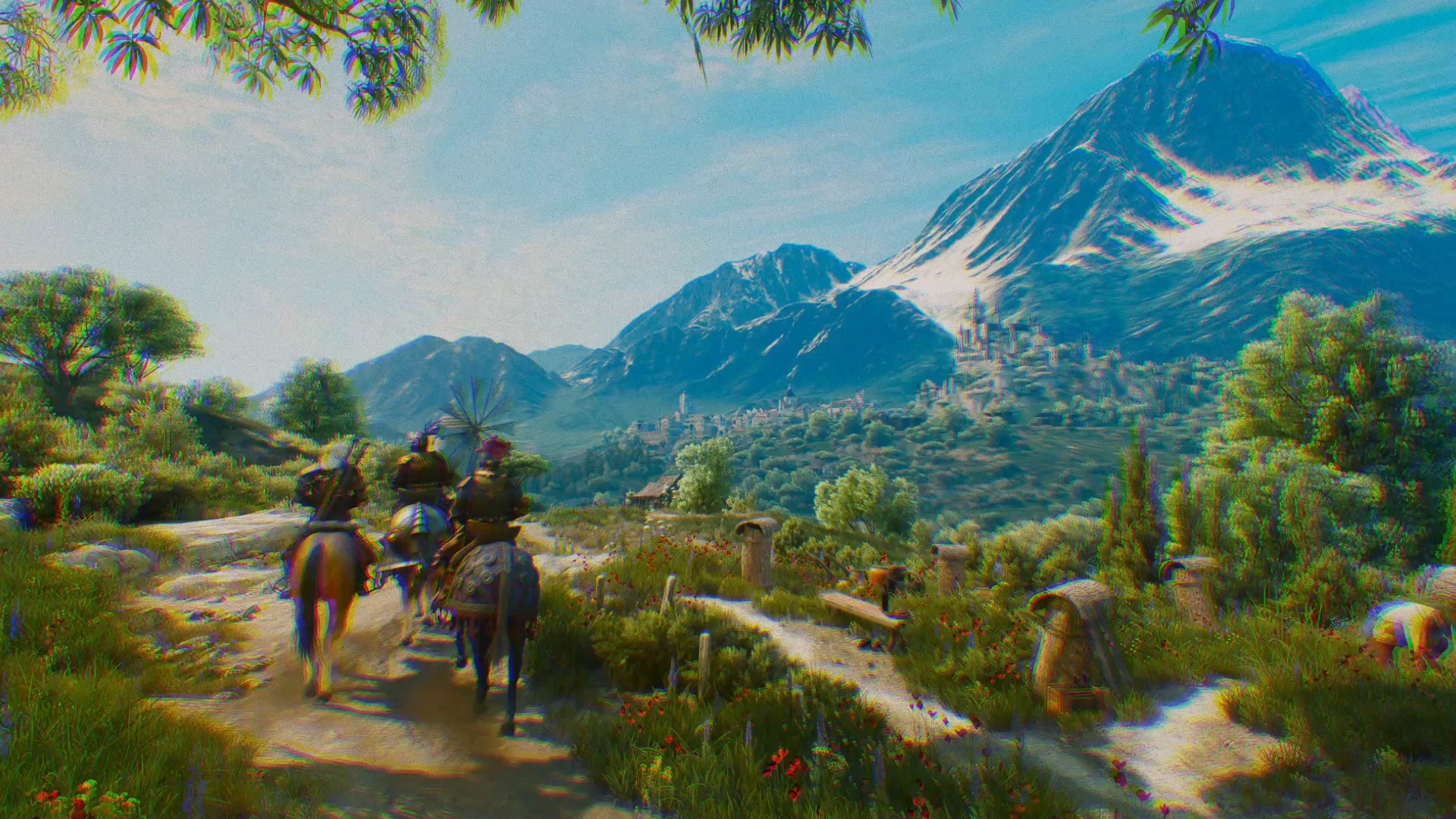
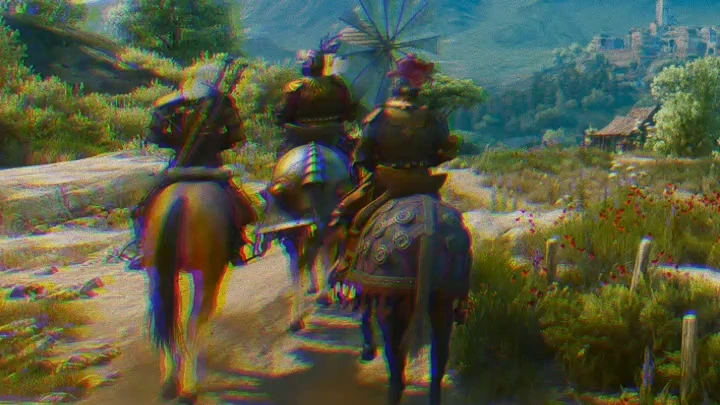
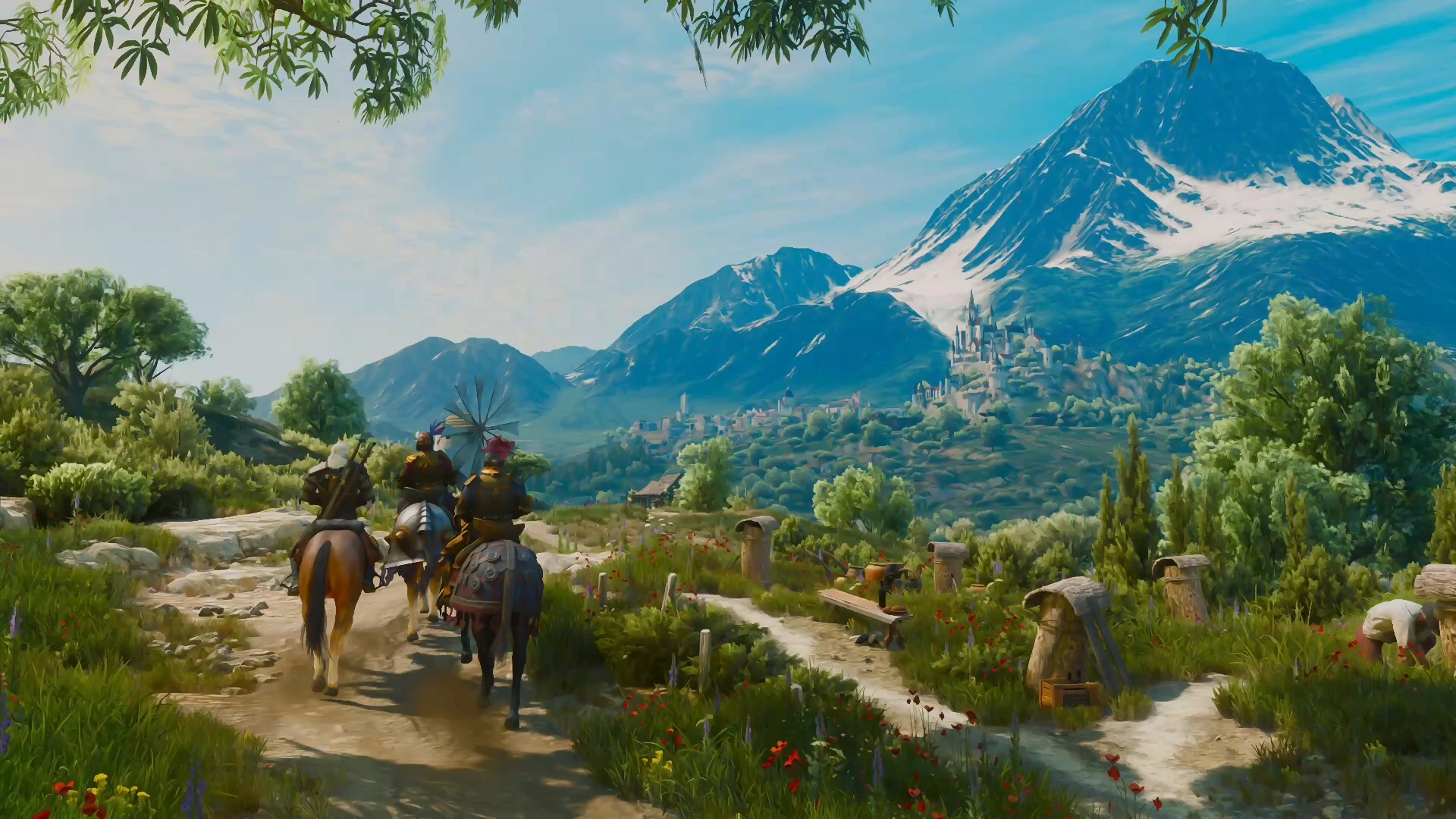
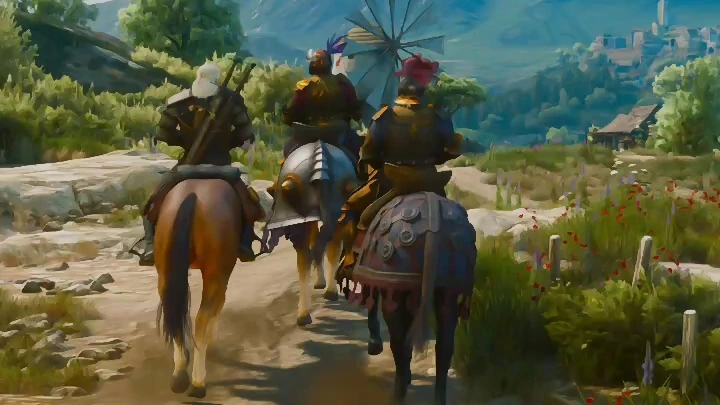
- Color and tone effects include SweetFX Tonemap, Vibrance and Curves, color balance, Halide’s Local Laplacian filter for detail and contrast, and Histogram exposure, which sets exposure automatically from the image’s own histogram.
- Light and lens effects are soft bloom and AMD FidelityFX Lens (grain, chromatic aberration and vignette) and Blur.
- Clean-up effects are threshold debanding for smooth gradients, and SMAA, CMAA2 and FXAA anti-aliasing for jagged edges in games that don’t smooth them themselves. FXAA, the version of NVIDIA’s fast approximate anti-aliasing that comes with SweetFX, is quick and softens fine detail a little more than the other two.
- Anisotropic Kuwahara is a painterly filter that smooths the image into brush-stroke-like regions.
- Daltonize is an accessibility filter. It simulates a color-vision deficiency and shifts the color differences that would be lost into ones that stay visible, with adjustable strength.
Shader collections add more: qUINT for bloom, grading, debanding and sharpening, prod80 for film-style color grading and LUTs, CShade for exposure and image-based motion effects, FXShaders for NeoBloom and ArcaneBloom, AstrayFX for indirect lighting, ambient occlusion, anti-aliasing and sharpening, and OtisFX for cinematic depth of field, fog and grading. Shader collections and imports lists them all.
A LUT (lookup table) is a complete color grade stored in a file, the same kind that photo and video editors use. A .cube file dropped onto MacLauncher joins the shader library as an effect, with controls for strength, trilinear or tetrahedral interpolation, and whether the table expects encoded or linear color. Full-size 65-point 3D tables are supported.
Depth without a depth buffer
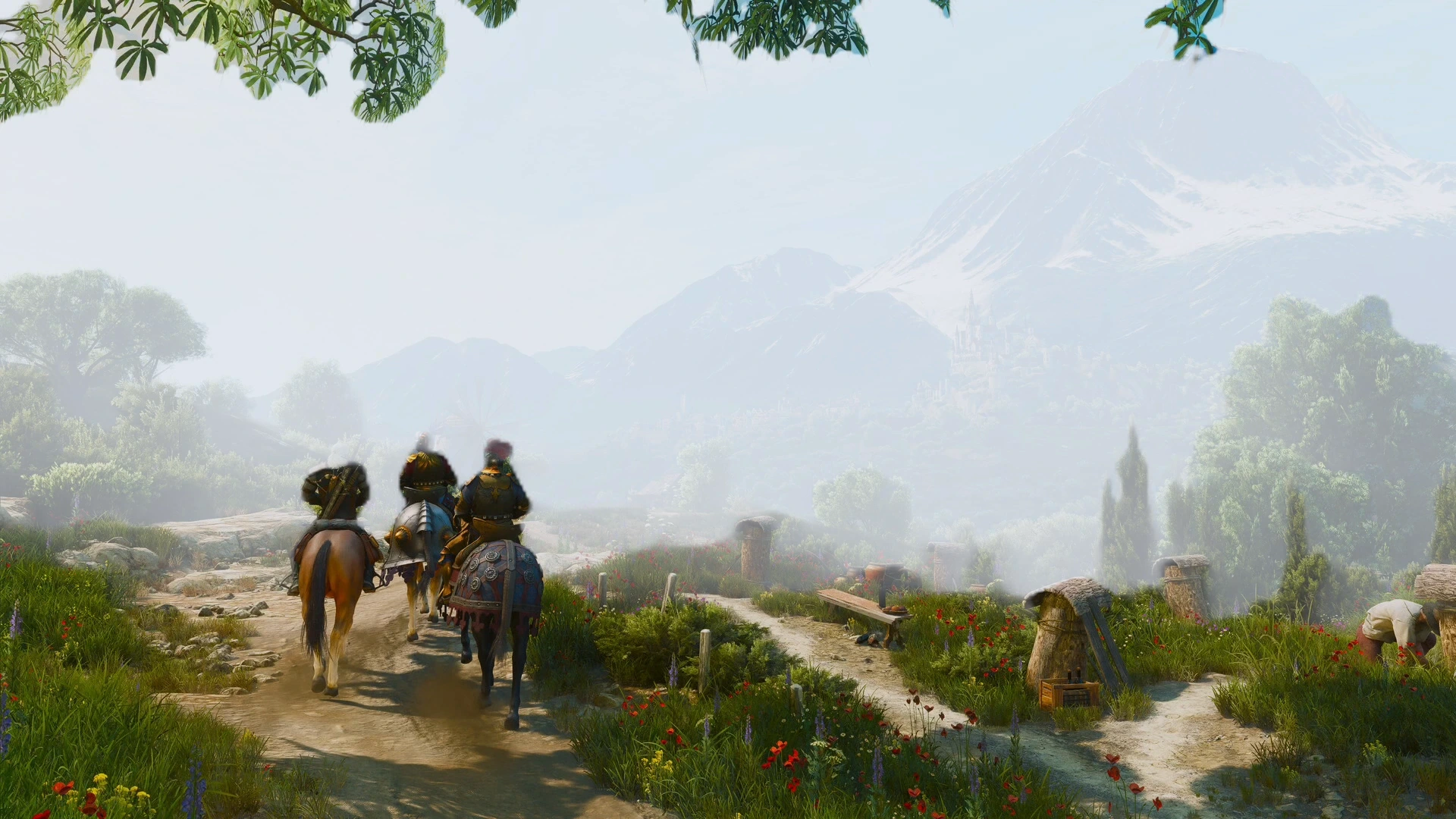
Section titled “Depth without a depth buffer”Fog that thickens with distance needs to know how far away things are, and most games don’t pass that information to MacLauncher. Estimated depth fog works without it: Depth Anything V2, a small neural network, estimates depth from the finished picture, and the fog follows that estimate. It works with any game on Apple Silicon once the model is installed.
Effects that use the game’s depth
Section titled “Effects that use the game’s depth”Some lighting effects need the game’s real depth buffer, and sometimes its camera, surface normals and materials. For games whose runtime provides them, MacLauncher includes:
- XeGTAO and AMD CACAO ambient occlusion, which darkens corners and contact points
- FidelityFX depth of field
- depth fog and depth outlines adapted from FXShaders
- Godot’s screen-space reflections
- from collections, SSRT3 indirect lighting, the NiceGuy shaders’ lighting, reflections and fog, AstrayFX’s RadiantGI and GloomAO, and OtisFX’s depth of field and fog
When a game doesn’t provide those inputs, these effects stay in the menus under Needs scene inputs, with a note saying what they need.
Final output
Section titled “Final output”The Output section at the end of the effect chain handles the last step to the screen. Tone mapping decides how bright highlights are compressed into the display’s range, with the choices Automatic, None, Reinhard and PBR Neutral. HDR and wide-gamut images keep their range through the chain, and effects that handle only standard color get a local conversion.
The graphics guide lists every included effect and describes tone mapping in full. The algorithm reference describes each native effect’s algorithm.
Further reading
Section titled “Further reading”- Tone mapping, 3D lookup tables and the Kuwahara filter on Wikipedia.
- Ambient occlusion, the darkening of corners and contact points that XeGTAO and CACAO estimate.
- Color blindness, the background to Daltonize.