
CRT and retro
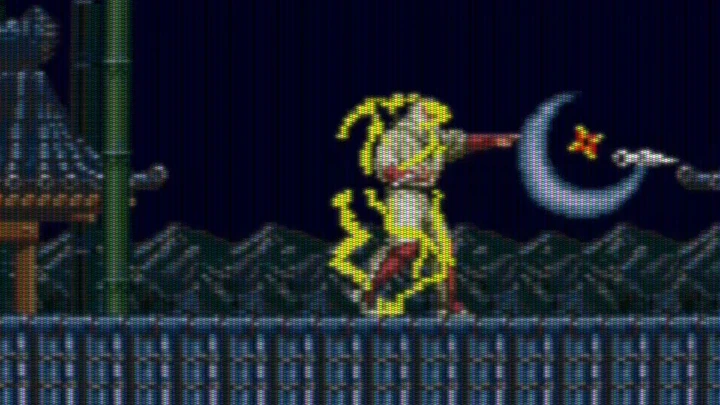
For decades, pixel art was drawn for cathode-ray tube (CRT) televisions and monitors, and CRT shaders give pixel-art games on a Mac the look of those screens. Artists knew that the electron beam would soften their pixels, that dark scanlines would separate the rows, and that the picture would glow through a phosphor mask, and they drew with that in mind. The CRT Pixels project made this widely known with side-by-side close-ups of real tubes. On a modern display every pixel is a hard-edged square, which is crisp but differs from what the artists saw.
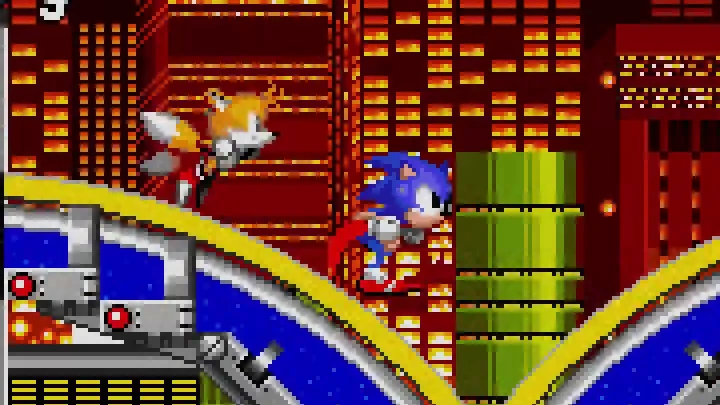
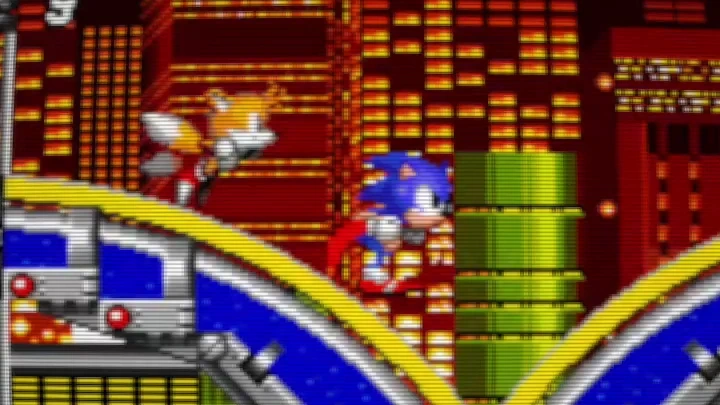
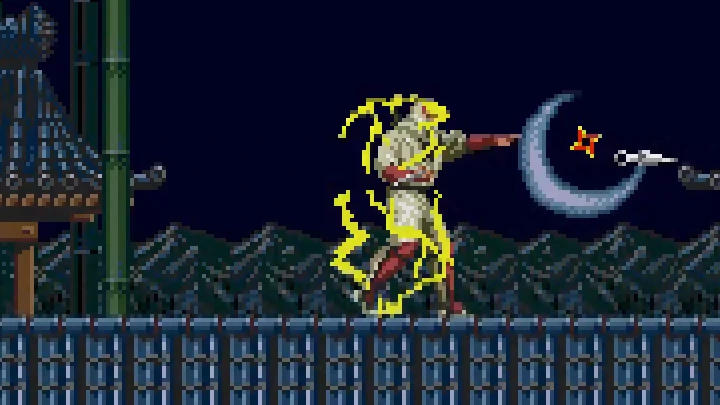
Sprites drawn for a tube change the most. In this frame of Joe Musashi from Shinobi III, the lightning, the robe’s shading and the dark rooftops blend into one picture:
The built-in CRT effect
Section titled “The built-in CRT effect”MacLauncher’s own CRT effect works with every game, and its parameters control the main parts of the look.
Simulated content height sets how many scanlines to draw; its default of 240 matches many classic games. Set it to the game’s original height and the scanlines keep that spacing however you resize the window, or set it to 0 to follow the image size.
Scanline beam width and Scanline darkness set how thick the lit lines are and how dark the gaps between them get. Pixel softness and Phosphor glow add the gentle blur and bloom of a real tube. Screen curvature, Rounded corners, Edge shading and Screen edge fade shape the glass, and CRT strength blends the whole effect with the original image.
More CRT shaders
Section titled “More CRT shaders”MacLauncher also includes several established CRT shaders, each with a different look:
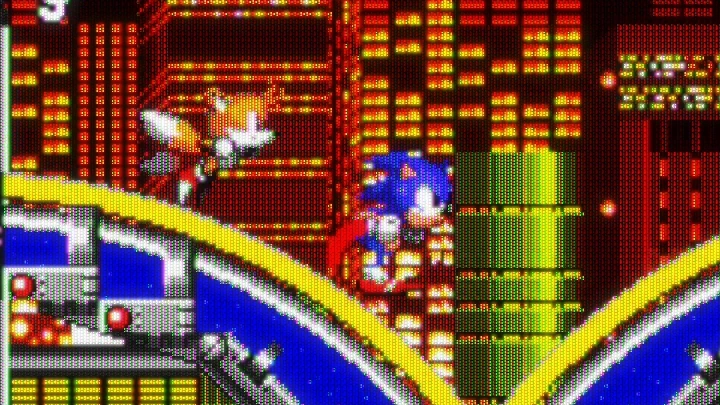
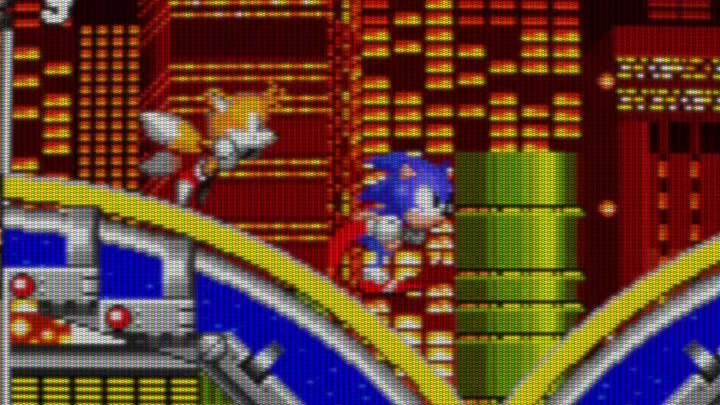
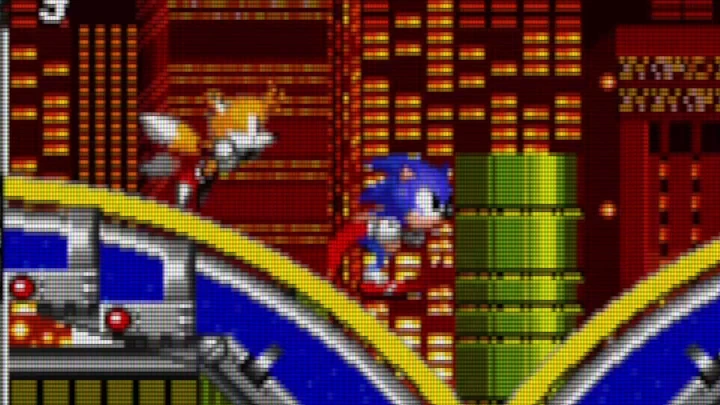
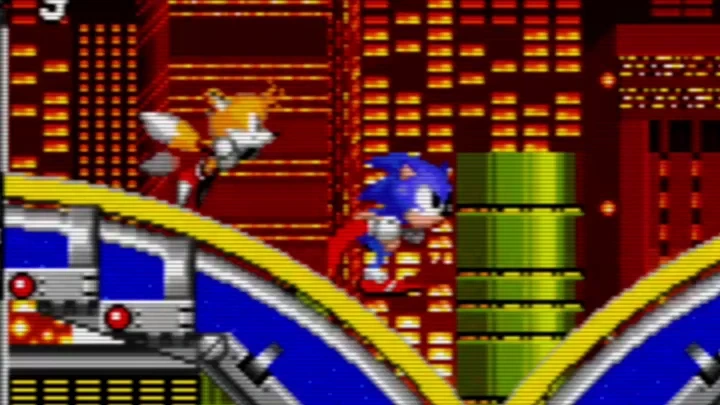
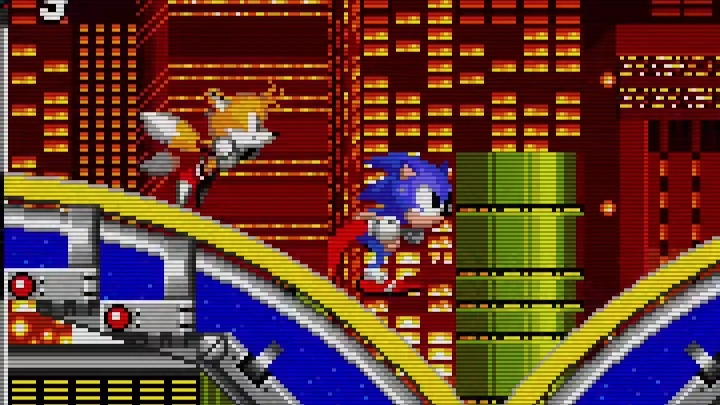
- CRT Royale is Alex Gunter’s ReShade port of TroggleMonkey’s widely used shader.
- CRT Lottes, CRT Easymode, GTU and zfast CRT come from RSRetroArch’s ReShade ports of the RetroArch originals.
Several of these were written for emulators, where the shader knows the console’s real resolution. They have Screen or Frame width and height parameters, which should be set to the game’s original resolution so the scanlines line up with its pixels. The Lottes, Easymode, GTU and zfast samples above use Sonic the Hedgehog 2’s 320×240, while CRT Royale is shown at its default settings.
The libretro Slang collection, available from Runtimes → Graphics → Shaders → Collections, adds CRT halation along with pixel-art scalers, dedithering and restoration filters. You can also import any .slangp preset you already use in RetroArch, including CRT presets. Shader collections and imports describes both.
Where a CRT goes in the chain
Section titled “Where a CRT goes in the chain”A CRT effect needs several screen pixels for every game pixel to draw its scanlines and mask, so it belongs after the image has been enlarged to the window, usually by a Nearest upscale:
- Upscale, Nearest, to the window.
- CRT, with the game’s original height.
Color effects can go before or after it, depending on whether you want to grade the game or the simulated screen. Building a chain has more on ordering.
Palette and other retro looks
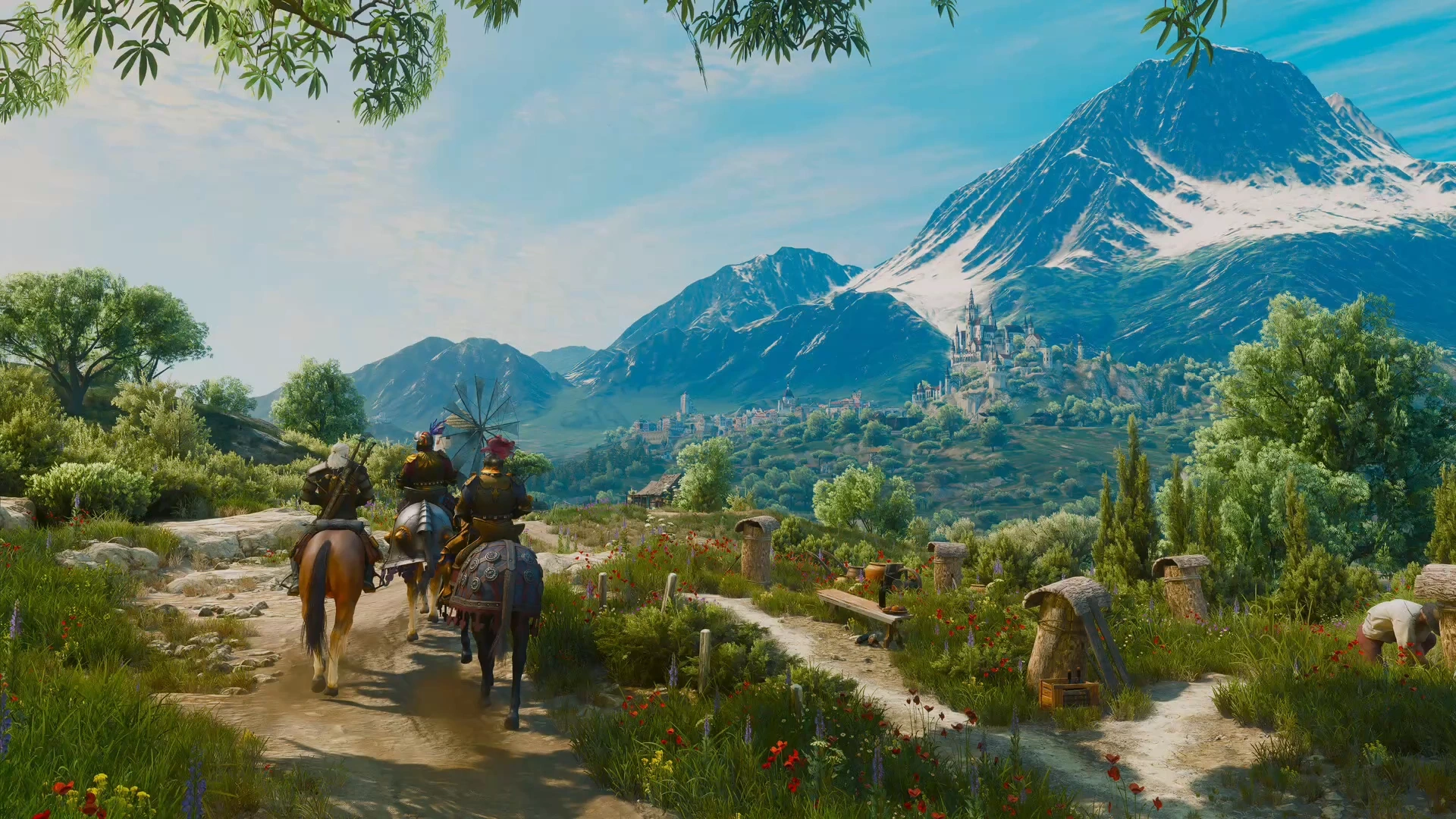
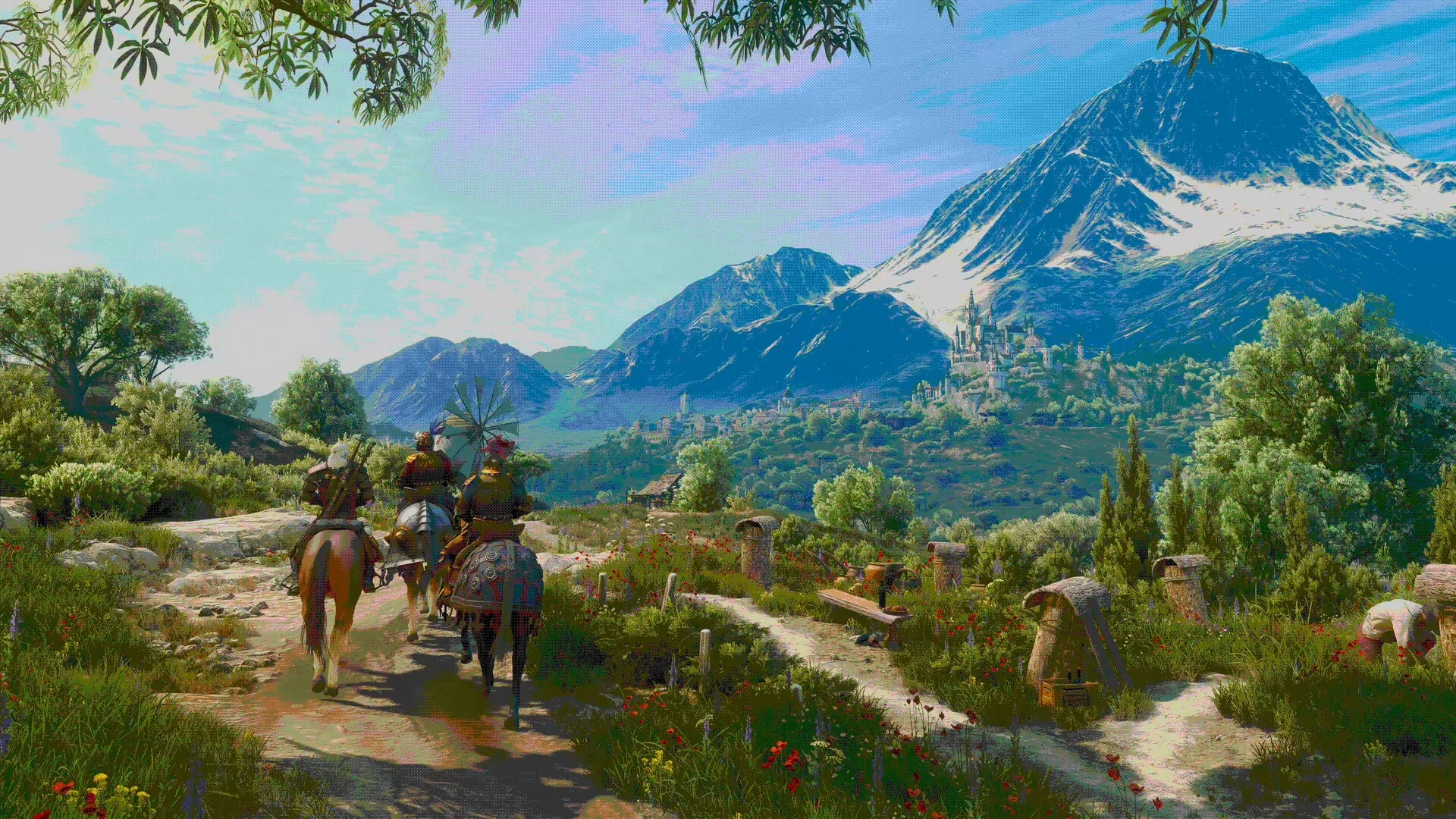
Section titled “Palette and other retro looks”The included Pixel palette effect reduces each color channel to a few levels, with optional ordered dithering, which gives any game the limited colors of old hardware:
Motion clarity
Section titled “Motion clarity”A CRT also drew each frame as a brief flash of light. Modern displays keep each frame lit until the next one replaces it, which makes moving objects look less sharp. The Motion clarity control in the chain’s Output section recreates some of the CRT’s sharpness. Black frame insertion shows dark frames between real ones, and CRT beam scheduling spreads each frame over several subframes to imitate a scanning beam. Subframes, Visible duty and Brightness adjust the scheduling, and Auto turns it on when a shader in the chain asks for it. The display’s refresh rate limits how much room there is for subframes, so high-refresh displays benefit most.
The graphics guide lists the CRT effect’s parameters under included effects and describes motion clarity in full.
Further reading
Section titled “Further reading”- Why retro games need retro screens, an interview with the creator of CRT Pixels.
- CRT emulation for pixel art, a developer’s take on what a convincing CRT simulation needs.
- Why retro games look better on old-school CRT TVs, from SlashGear.
- CRT simulation in a GPU shader, looks better than BFI, Blur Busters on rolling-scan CRT simulation for motion clarity.
- The libretro shader introduction, for RetroArch’s shader presets.